

It is a system.
It is a system.
Most solutions stop at the chair and the desk.
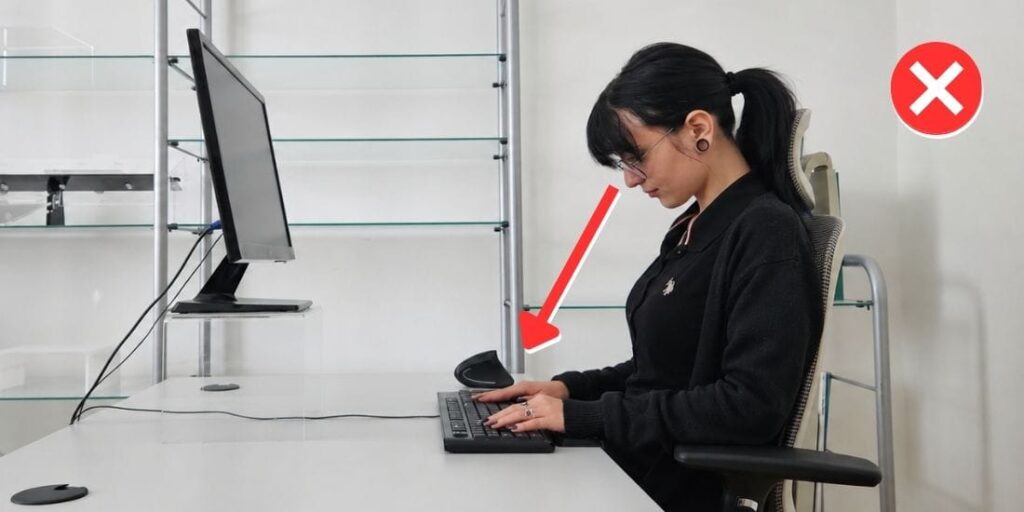
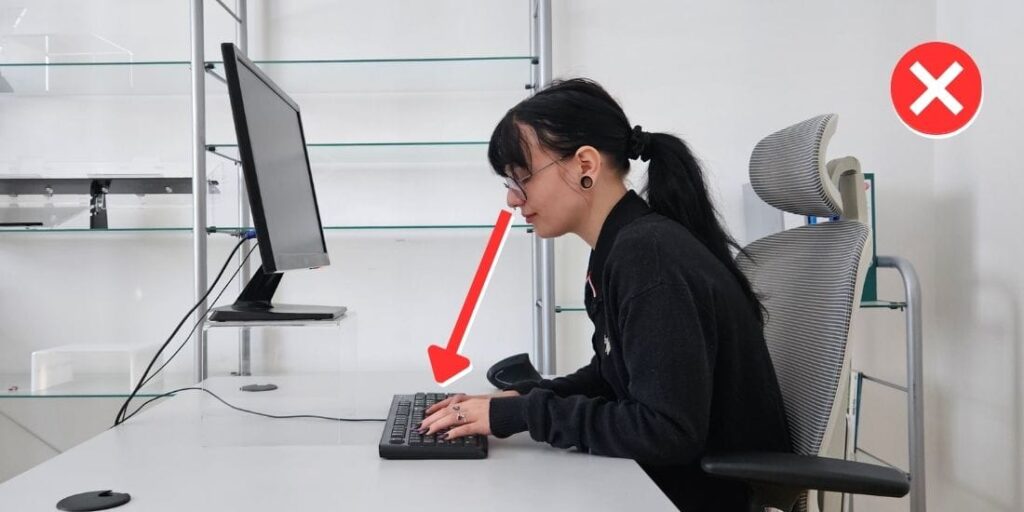
Most of the strain while working at a computer doesn’t come from sitting, but from the way you work.
That’s exactly the part we address. Where ergonomics truly begins.
Even in well-designed workstations, discomfort often remains.
Many people believe that standing while working is automatically healthier.
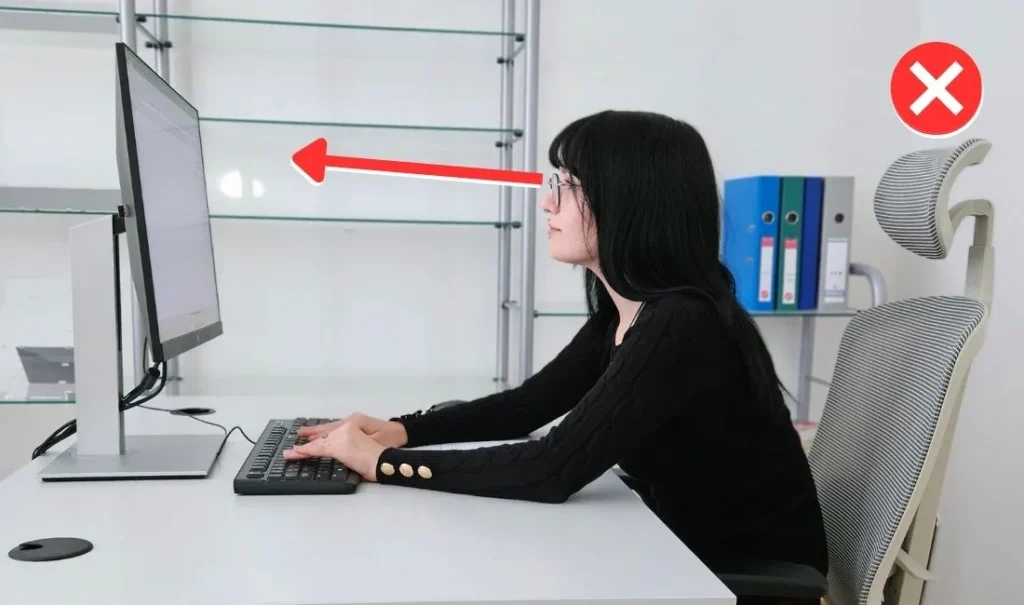
However, research shows that neck strain remains similar – regardless of whether you sit or stand. What matters most is how the work above the desk is organized.
See how posture changes during work
The problem is repetition
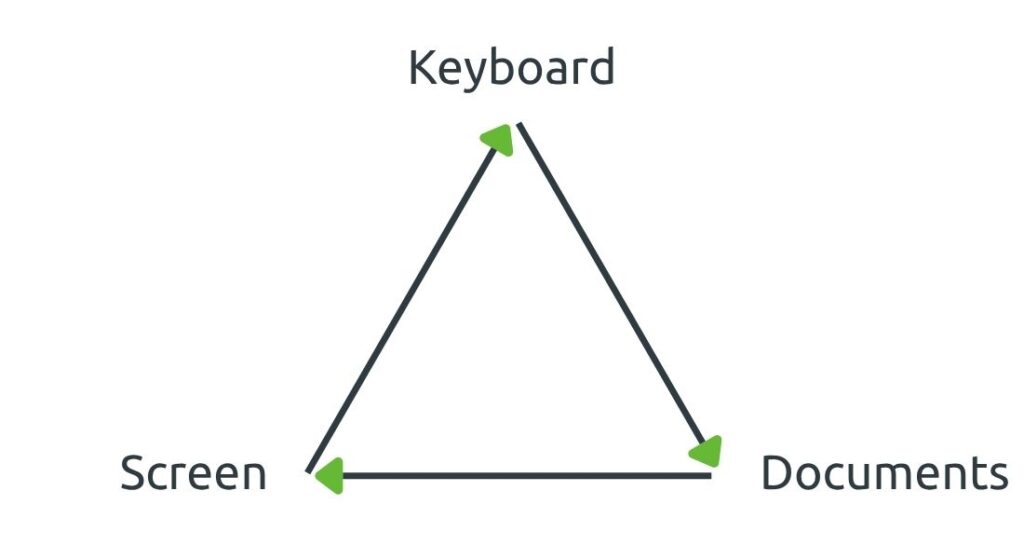
While working, your body isn’t affected only by the chair or desk.
Strain often comes from small adjustments we repeat over and over again.
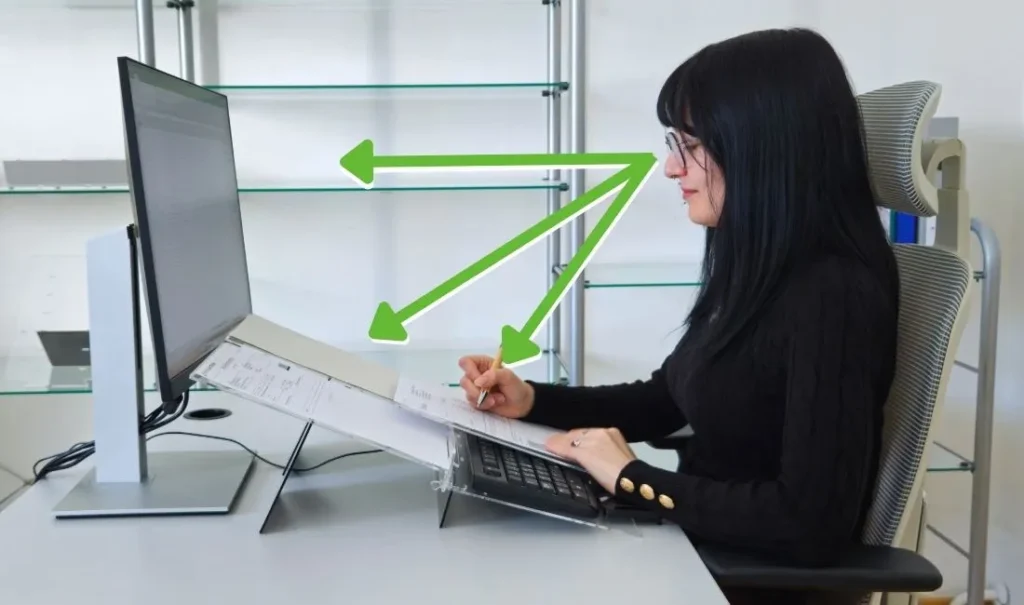
Your gaze moves constantly between these elements.
Load × time = strain
What is harmless once
becomes a problem when repeated hundreds of times a day.
That is why the problem often remains, even at a well-adjusted workstation
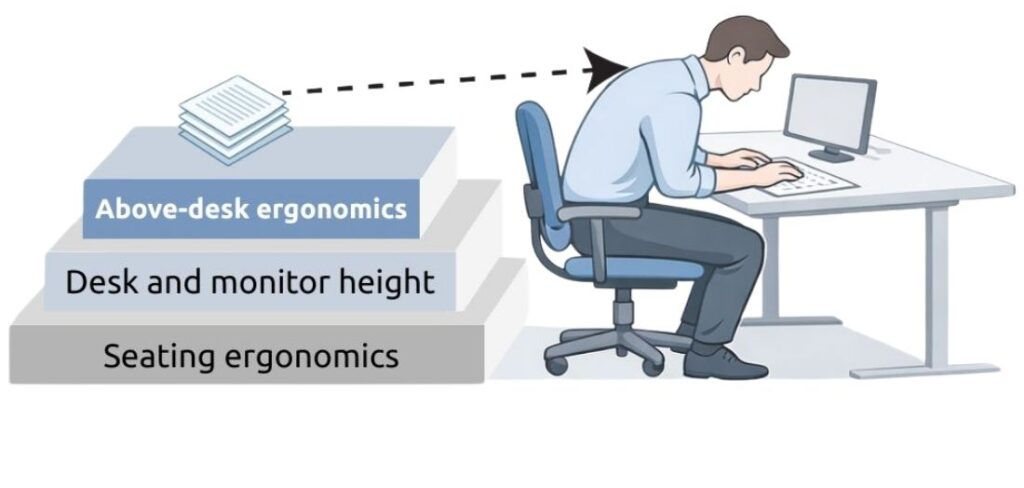
The three layers of ergonomics
The greatest strain often occurs at the third layer.
The greatest strain often occurs precisely at the third layer.
When discomfort does not stop work – but reduces efficiency
People often continue working despite tension or fatigue.
But over time:
- concentration decreases
- movement becomes less efficient
- strain increases
But over time:
- concentration decreases
- movement becomes less efficient
- strain increases
Ergonomics is not just a matter of health.
It is also a matter of productivity.
What happens if we change the working position?
The workspace should adapt to the person — not the other way around.
Small changes in setup can make a big difference
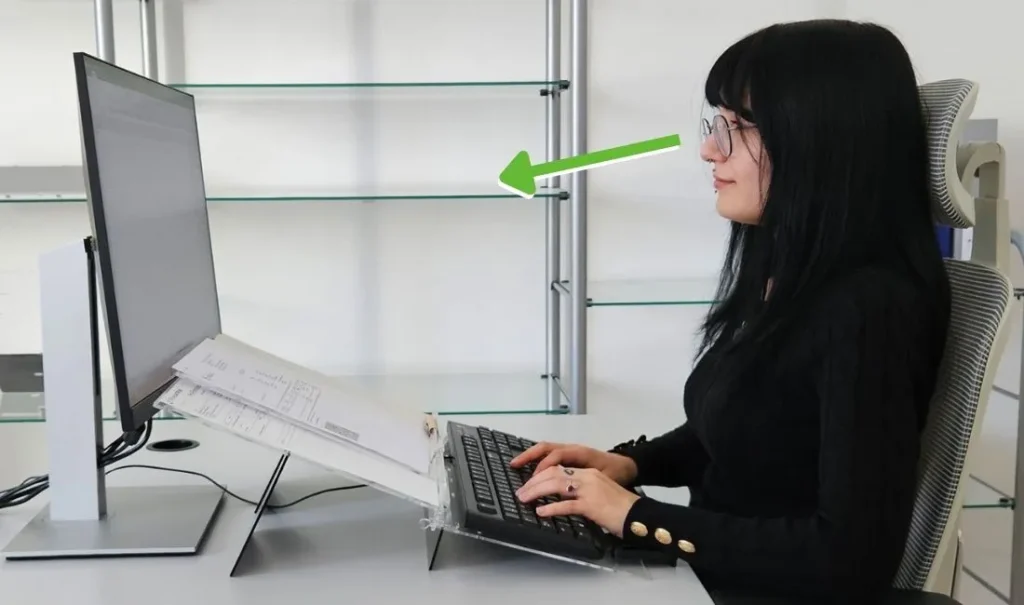
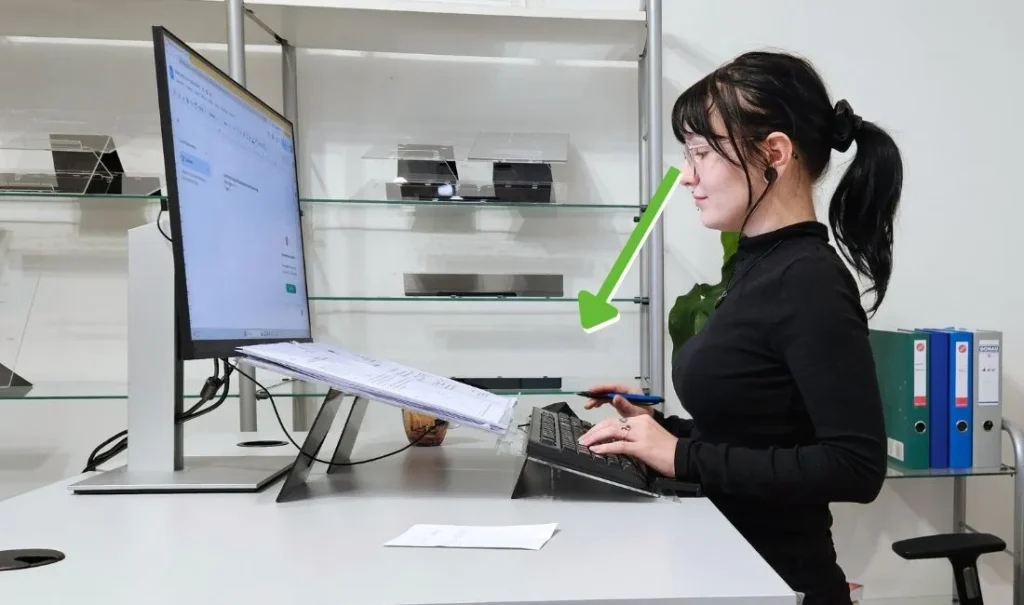
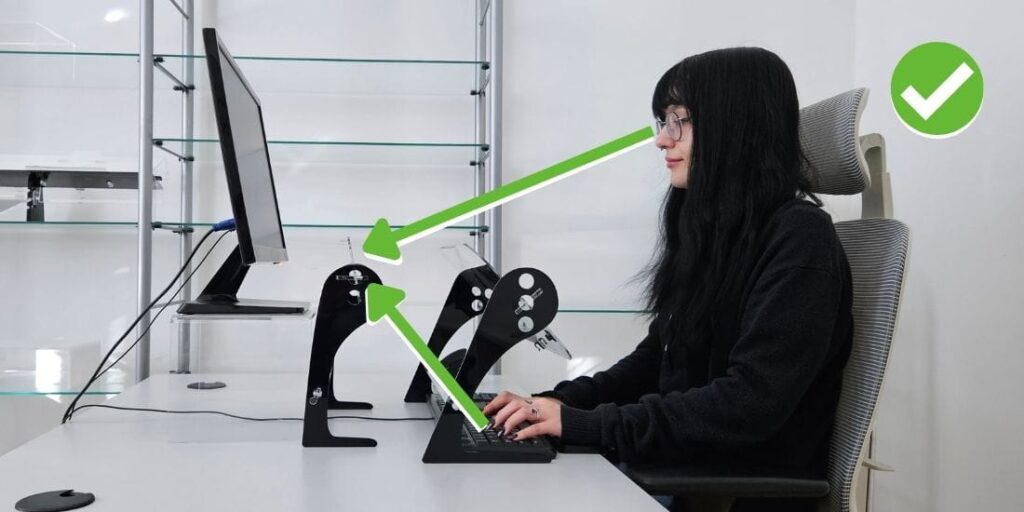
- keyboard closer to the body and within the visual field
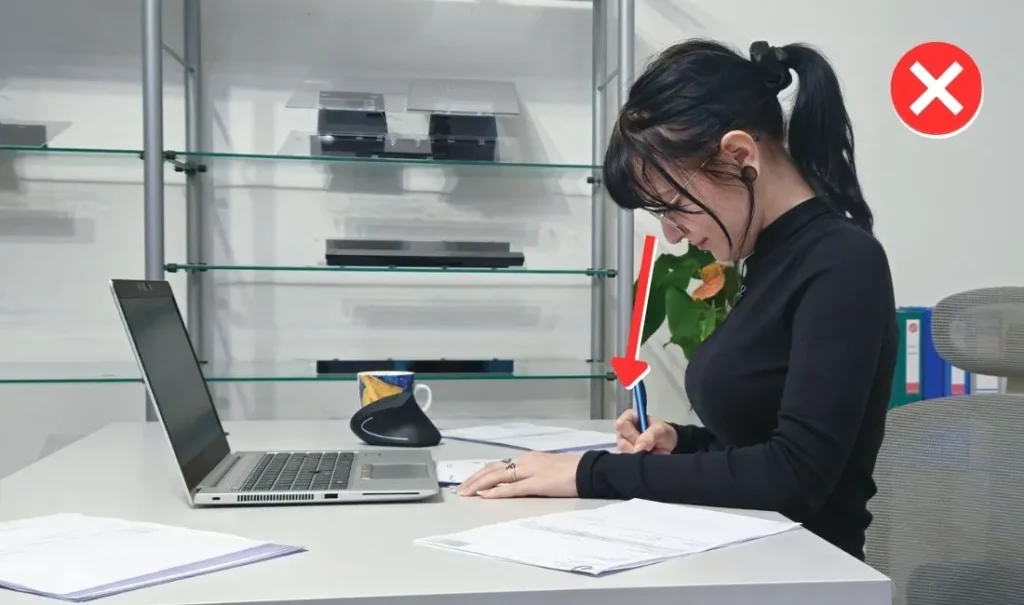
- documents positioned closer to eye level
- less need to lean forward
- keyboard closer to the body and within the visual field
- documents positioned closer to eye level
- less need to lean forward
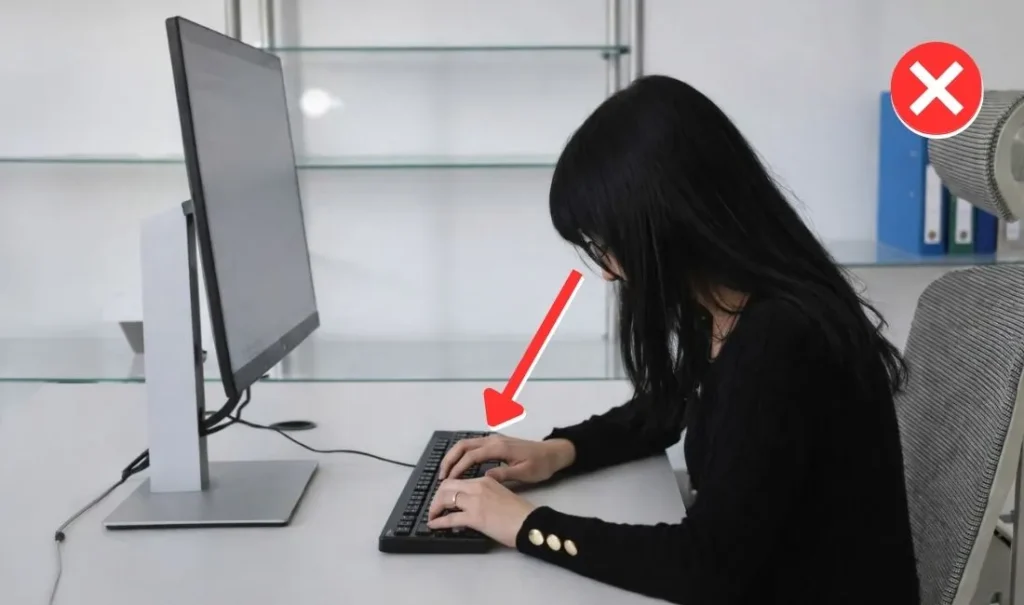
How do you align your neck when looking at the keyboard?
How to put this into practice
In most cases, these principles are supported by
a structured ergonomic workstation setup.
A structured approach to work
- keyboard closer to the body
- documents within the visual field
- less need to lean forward
The result is a more stable way of working:
- less leaning
- less adjusting
- less strain
Elitype Mirror allows you to see the keyboard without leaning forward.
For users who look at the keyboard while typing
Most people look at the keyboard while typing.
This means:
- repeated forward head movement
- additional strain on the neck and back
Most people look at the keyboard while typing.
This means:
- repeated forward head movement
- additional strain on the neck and back
Developed in collaboration with experts in engineering and physiotherapy.
- tested in real work environments
- used in everyday practice
- focused on long-term strain reduction
- tested in real work environments
- used in everyday practice
- focused on long-term strain reduction
German certificate for ergonomic product (IGR – Nürnbeg, Institute for health and ergonomics)
The institute has confirmed that Elitype stands meet the requirements of ergonomic design and support proper posture during work.
FREE TRIAL
Try this approach in your own work environment
short introduction
real working conditions
no obligation